The UK Online Safety Act is one of the biggest changes to internet regulation in the UK for many years. It is a long and technical law, but its everyday message is simple: online services that people in the UK use should be safer by design, especially for children. This guide explains, in plain English, what the Act is, who it applies to, what changes for families and small website owners, and how age checks work.
What Is the UK Online Safety Act?
The Online Safety Act became law in 2023 and is enforced by Ofcom, the UK communications regulator. It places legal duties on a wide range of online services, including social media platforms, search engines, video-sharing sites, forums, messaging services and many other user-to-user services. The aim is to reduce illegal content and content that is harmful to children, while protecting freedom of expression and privacy.
In practice, the Act does not make the internet completely risk-free, and it does not remove every unpleasant post. Instead, it requires services to assess risks, put proportionate safety measures in place, act quickly on illegal content, and be more transparent about how they moderate content and handle complaints.
Who Does the Act Apply To?
The Act mainly applies to services that are accessible in the UK and that allow users to share content with each other, or that provide search results. Large platforms with millions of users face the most detailed duties, but smaller services are not automatically exempt. What a service must do depends on its size, the risks it creates, and whether children are likely to use it.
Services that are likely to be accessed by children have additional duties. They must assess the risk to children, protect them from pornography and other harmful content, and consider how features such as recommendations, notifications and direct messages could affect young users. Services that can show they are not likely to be accessed by children, and that take effective steps to keep children away, may have a different set of duties.
What Changes for Everyday Users?
For most adults, the biggest visible changes are stronger reporting tools, clearer terms of service, and more visible controls over what they see. You should find it easier to report illegal or harmful content, to block or mute other users, and to understand why a post was removed or why your account was restricted. Platforms must also handle complaints fairly and give users a route to appeal moderation decisions.
You may also notice more age checks, especially on services that host pornography or other content that is not suitable for children. Some services now ask users to confirm their age before they can access certain material. This is one of the most discussed parts of the Act, and it is explained in more detail below.
Stronger Protection Against Illegal Content
Platforms must take proportionate steps to prevent people from encountering illegal content, such as fraud, terrorism-related material, child sexual abuse material, and content that encourages suicide or self-harm. They must also act swiftly when illegal content is reported. This does not mean that every report will lead to removal, but it does mean that services need proper systems, trained moderators and clear procedures.
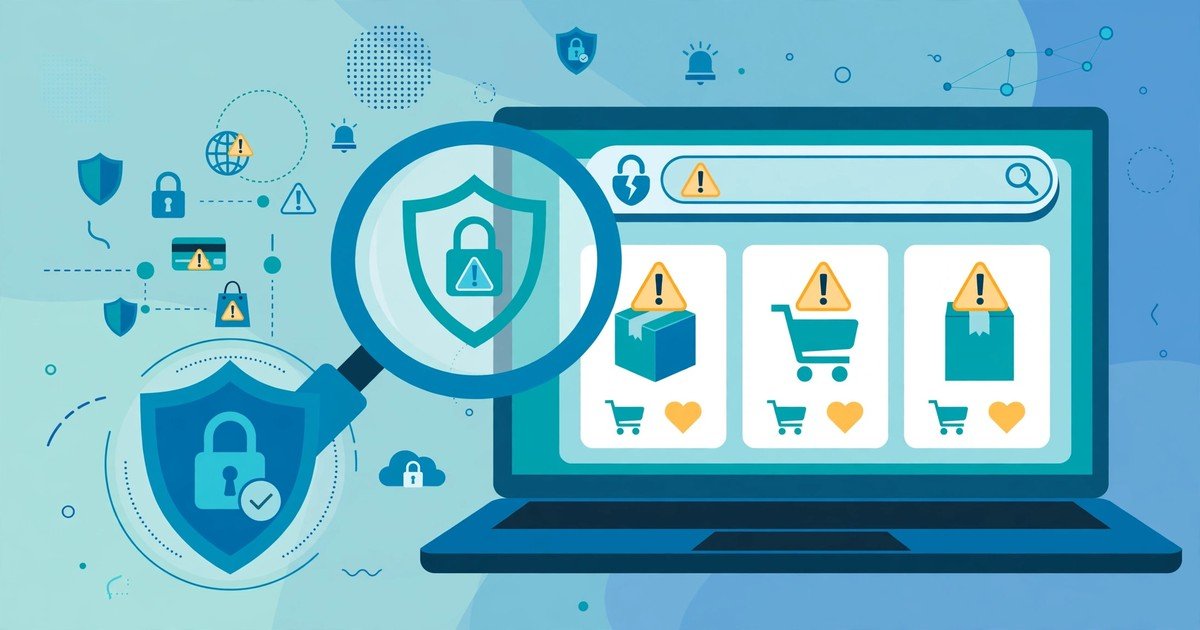
If you come across a scam or a suspicious website, the same habits still matter. Our guide on how to spot fake websites explains the checks to make before you trust a site or make a payment.
How Do Age Checks Work?
Age checks, sometimes called age assurance, are used to estimate or verify whether a user is old enough to access particular content or features. Different services use different methods. Some use a simple age declaration, while others use stronger methods such as photo ID matching, facial age estimation, mobile network checks, or confirmation through a bank or other trusted account.
Ofcom expects age checks to be effective, not just a tick-box exercise, for the highest-risk content. At the same time, services must protect privacy and avoid collecting more personal data than necessary. That balance is difficult, and it is one reason why different platforms have chosen different approaches. If an age check feels intrusive, check the service’s privacy notice and consider whether you really need access to that content or whether a safer alternative exists.
Parents should also remember that age checks are not a substitute for supervision. Children can still encounter risks through search results, messages from strangers, or content shared by friends. Talking openly about online life, agreeing on sensible boundaries, and using device-level controls remain important.
What Changes for Families?
For families, the Act should mean safer default settings on many services, clearer information about risks, and better tools for reporting problems. Parents can help by reviewing privacy and safety settings together with their children, turning on appropriate filters, limiting direct messages from strangers, and agreeing what to do if something upsetting appears.
It is also worth teaching children to pause before sharing personal information, photos or location details, and to keep evidence of bullying or harassment rather than deleting it straight away. Reporting the content on the platform, blocking the account, and seeking help from a trusted adult or school are sensible first steps.
What Changes for Small Website Owners?
Small website owners often worry that a law aimed at large platforms will create an impossible burden for them. The Act is risk-based, so a small forum, blog with comments, or community site will not be expected to do exactly the same as a global social network. However, if your site allows users to post content, share files, or message each other, you should still understand your duties.
Useful steps include writing clear community rules, providing an easy way to report illegal or harmful content, moderating regularly, keeping records of moderation decisions, and taking swift action when illegal content is identified. Strong basic security also helps: keep software updated, use strong passwords and two-factor authentication, and review who has administrative access. Our small business cybersecurity checklist covers many of these practical steps.
Small businesses also need to think about data protection alongside online safety. The Online Safety Act and data protection law overlap, especially when age checks or content moderation involve personal data. Our plain-English guide to what GDPR means for UK small businesses explains the key principles in simple terms.
What the Act Does Not Do
The Act does not ban adults from viewing legal pornography, does not require platforms to remove all legal but controversial opinions, and does not make Ofcom responsible for deciding every individual moderation case. It focuses on systems and processes: whether a service has assessed its risks, put reasonable measures in place, and acted responsibly when problems arise.
It also does not replace criminal law. Serious illegal activity should still be reported to the police where appropriate, and platforms must cooperate with law enforcement in the ways required by law. For scams and fraud, reporting to Action Fraud and to the platform can help protect other users.
How to Report a Problem
If you see illegal or harmful content, use the report button on the service itself and keep a note of the date, the link or username, and any screenshots if it is safe to do so. If the platform does not act, follow its complaints process. For child safety concerns, the Child Exploitation and Online Protection command and specialist charities can provide advice. For illegal content that remains online, Ofcom publishes guidance on how to complain about a service’s failure to meet its duties.
Frequently Asked Questions
Does the Online Safety Act ban VPNs?
No. The Act does not ban VPNs in the UK. However, services are expected to consider how people might use VPNs and other tools to bypass age checks, and to take proportionate steps where that creates a significant risk, particularly for children.
Do I have to prove my age to use social media?
Not necessarily for every service. Age checks are most likely where a service hosts pornography or other content that poses a high risk to children, or where a service offers features that are not suitable for young users. Many general social media services use a mix of age declarations, settings and other safety measures.
Does the Act stop free speech?
The Act includes protections for freedom of expression and requires services to consider users’ rights when they design moderation systems. It targets illegal content and content harmful to children, rather than banning legal opinions simply because they are unpopular. That said, the way platforms interpret their duties will continue to be debated.
What should I do if my child sees harmful content?
Stay calm, listen, and reassure your child that they are not in trouble for telling you. Report and block the content, save evidence if needed, check privacy settings, and talk about what happened. If the content is illegal or suggests a risk of harm, seek advice from the platform, school, or a relevant safeguarding service.
Does the Act apply to small blogs without comments?
A simple blog with no user-to-user features is unlikely to be in scope in the same way as a forum or social platform. If you later add comments, forums, file sharing or messaging, you should reassess your position and put appropriate moderation and reporting measures in place.
Conclusion
The UK Online Safety Act explained simply is this: online services used in the UK must take reasonable, risk-based steps to keep users safer, with extra protection for children. For families, that should mean clearer controls and better reporting tools. For small website owners, it means understanding whether your service is in scope, writing clear rules, moderating responsibly, and keeping basic security in good shape. The law will continue to evolve as Ofcom publishes guidance and enforcement cases emerge, so it is worth reviewing your settings, policies and safety practices regularly rather than treating online safety as a one-time task.